
Preowned inspection guide
A refurbished iPhone deserves a closer look than simply switching on its screen. Before buying, you need to establish whether you can activate it, what the seller says about the battery, and what information exists about previous repairs. Those are separate questions. A tidy case answers none of them, and a recently replaced battery does not establish that the rest of the phone works as you expect.
This guide gives you an orderly way to inspect the particular device being offered. Use it when asking about a listing, meeting a seller, or checking a delivered order. It does not certify any product or replace a technical diagnosis. The aim is to distinguish what you have checked from what remains uncertain, so you understand the condition you would be accepting before committing to the purchase.
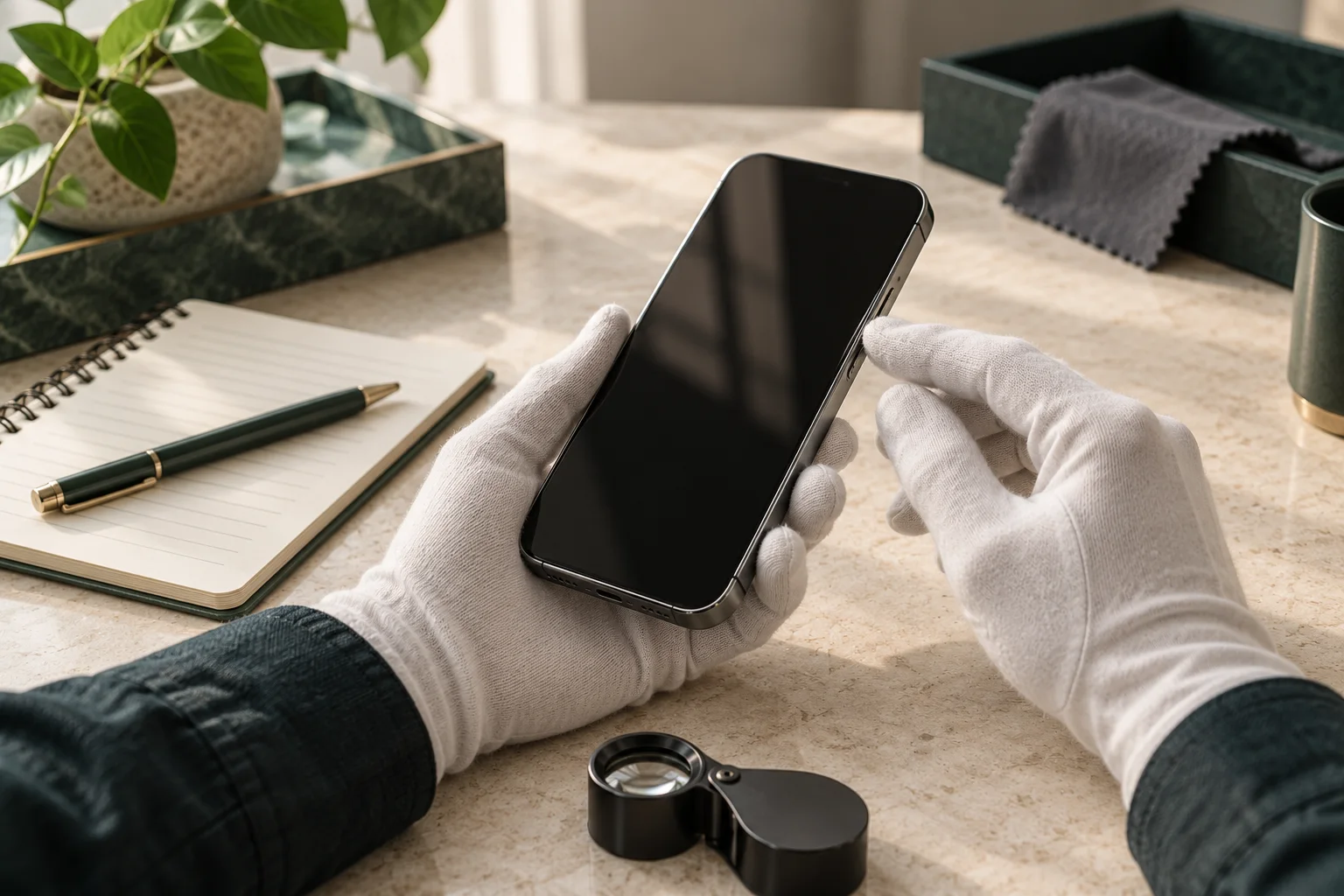
Identify the device before assessing its condition
Ask for the exact model, storage capacity, and a description of this particular example. Establish whether the photos show that phone or are representative images. If the seller handles several equivalent devices, ask what checks will accompany the one you receive and what differences its cosmetic grade permits. A label such as “excellent” needs criteria you can understand and compare with the actual item.
Separate general listing language from individual answers. “Inspected” might describe a basic test or a more extensive process. Ask which functions were checked and whether any repairs were performed. Save the answers with the date. If the model, capacity, or stated condition changes before payment, review the whole proposal again rather than relying on the terms of your first conversation.
Find out who is selling, who issues the invoice, and how a disagreement about condition would be handled. Another store's terms do not automatically apply. When considering a transaction on PakaPuka, consult its frequently asked questions and the individual listing. This guide does not assume that a refurbished iPhone is currently available there or describe a particular offer.
Activation Lock is a check to resolve before buying
Apple advises against buying an iPhone with Activation Lock enabled. Seeing a welcome screen does not complete the inspection either: the device needs to be capable of setup and activation. Follow Apple's guide to buying a preowned iPhone, and consult its explanation of Activation Lock if a request linked to the previous owner's account appears.
For an in-person handover, agree beforehand how the seller will demonstrate that the phone is ready to change owners. The seller should manage their own account and credentials. You do not need their password, and they do not need yours. If the check cannot be completed and the proposed solution is to deal with it after payment, the uncertainty remains. A promise of a future unlock is not a completed test.
Do not use services promising to bypass the lock or follow unfamiliar links presented as an improvised solution. If a delivered device asks for the previous owner's account, document what you see and contact the seller through the agreed process. Avoid spending time on a full personal setup while the basic question of whether you can use the phone remains unresolved.
Battery condition needs context, not a magic percentage
Apple explains that maximum capacity compares the battery's condition with its capacity when new, and that rechargeable batteries wear with use and age. The indicator does not promise a fixed number of hours between charges. Read Apple's battery and performance information to understand what it measures without treating it as an endurance guarantee.
Request a recent image of the relevant screen on the device, with enough context to understand the check and without unnecessary personal information. Ask whether the battery was replaced, who carried out the work, and whether documentation is available. A high number alone does not establish a recent replacement. Equally, a single low number is not a complete diagnosis of a battery you have not had examined.
Connect the decision to your routine. If you spend long periods away from a charger, uncertainty about battery condition may matter more than a small cosmetic mark. If you already expect to need work, obtain an estimate before accepting the device and establish what it covers. Do not invent a repair cost or assume the seller will pay for a replacement without a written commitment.
A short demonstration can show whether the phone charges and behaves consistently, but it cannot reproduce a full day of use. Record the conditions and avoid presenting that session as a battery-life test. If there are warnings, shutdowns, or behavior you cannot explain, seek an appropriate assessment before basing your decision on an otherwise favorable first impression.
Read Parts and Service History for the model and software version
Apple's Parts and Service History guidance explains that available information varies by model and software. Messages can identify genuine, used, or unknown parts, and a repair may need finishing. Read the current explanation for the actual message shown. The absence of a history section does not prove that a device has never been repaired.
If a component appears in the history, ask the seller what happened and include the explanation in your comparison. Documented work differs from an unexplained repair. There is no need to reject a device automatically simply because it has received maintenance. What matters is understanding what changed, what performance is being promised, and what you can check to support that description.
A label is not an accusation. If you do not understand a message or its implications, record the wording and ask for a verifiable explanation. Where a process remains unfinished, establish who will complete it and when you will be able to verify the outcome. Do not assume that a failing feature needs only a simple setting change or treat an uncertain fix as if it has already been performed.
Repair documentation and the system history complement one another, but serve different purposes. An invoice may identify work that was carried out; the screen provides information the device makes available about certain components. Keep both when they exist and check that the details make sense together. A useful record does not require circulating another person's full name, address, or complete identifying information.
Arrange a functional check you can repeat
Prepare a short list before starting. Check the display, buttons, cameras, microphones, speakers, connectivity, and charging in ways appropriate to the model. You do not need to record personal material or sign into sensitive accounts to establish the basics. Use simple actions and note the result of each one. This helps you avoid repeatedly testing an impressive feature while overlooking something you rely on every day.
| Area | What to record | When to ask for more information |
|---|---|---|
| Activation | Outcome of the agreed setup check | The phone requests a previous owner's credentials |
| Battery | Indicators and messages shown by the phone | An explanation is missing or behavior is unstable |
| Parts | Messages and available repair documents | Work is unfinished or information conflicts |
| Functions | Specific tests and their results | An essential function cannot be tested |
Take a picture with each camera you actually need and check focus in ordinary conditions. Record a brief voice memo and listen to the playback. Check the buttons and the unlocking methods offered by that device, following the instructions for its model. If a check requires access that is unavailable, record “not checked” rather than interpreting the absence of evidence as a successful result.
Inspect the exterior with the case removed when possible and authorized. Look for marks that were missing from the listing and compare what you observe with the condition you agreed to accept. Do not open the phone or clean connectors with improvised tools. Anything requiring disassembly belongs in a technical inspection rather than a quick buying demonstration.
On delivery, compare the device with the agreement
Keep the listing and correspondence, examine the package, and confirm that the received model matches the order. Repeat the checks you can perform safely. If you find a difference, describe the specific observation: an undisclosed mark, a visible message, or a function that does not respond. That information is more useful than a broad statement that the device is faulty without explaining what you observed.
Consult the terms of the transaction and use the stated route for problems, returns, or support. For a PakaPuka purchase, its delivery and returns guide provides an additional reference. This article does not establish a universal legal deadline. Your position depends on the circumstances, seller, and rules that apply to the transaction.
Make your decision using three columns: checked, explained, and unresolved. A checked item has supporting evidence. An explanation provides information to assess. An unresolved item remains uncertain. If an essential requirement is still in the last column, pause until it is addressed. A useful inspection is not a collection of screenshots; it establishes whether this particular phone meets the needs that matter to you.
Frequently asked questions
Does a high battery-capacity figure prove the phone is in perfect condition?
No. It describes a battery indicator rather than the whole device. Activation, parts, and your essential functions still need checking. You also cannot turn the percentage into a guaranteed period of use between charges.
Does refurbished mean every component is new?
Do not assume so. Ask the seller to explain its process and the work performed on the particular device. A clear description should distinguish inspection, cleaning, and component replacement rather than blurring those activities together.
Is the welcome screen enough to finish the check?
No. You need to verify that the device can be activated and used in accordance with Apple's instructions. If it requests an earlier account or the demonstration stops before the relevant check is complete, retain that question as unresolved before buying.
Does this guide certify iPhones listed on PakaPuka?
No. It provides an inspection method and does not establish the condition, repair history, or availability of any unit. The PakaPuka shop lets you examine available listings. Specific claims still need checking for each transaction.
Keep track of which device you inspected
If you compare several phones, give each proposal a simple reference in your notes. Connect the seller's answers and your tests to that reference, especially when two devices share the same model and capacity. A successful check of one example does not apply to the next. Before paying, confirm that the device assigned to your order matches the description and results you considered.