
Check compatibility before buying
Buying an imported iPhone starts with identifying the version on offer and where you intend to use it. The product name alone cannot tell you everything. You need the specific model, its SIM configuration and the requirements of your carrier. Two apparently similar offers may involve different steps to get your line working. An “international version” label needs an explanation before it becomes a reason to buy.
This guide helps you make those checks before paying. There is no single compatibility list that settles every combination of device, region, carrier and plan. Work from the particular phone you would receive and the service you actually need. A good decision connects those details instead of assuming that a phone sold online will work with any line.
Start with the exact model behind the listing
Ask for the full model name and the model number of the phone assigned to your purchase. Keep the seller’s stated sales region with that information. The country a package ships from is not necessarily the region the phone was made for. A warehouse can handle different versions, and a generic photograph does not establish which one you will receive.
Apple explains how to find the model number in Settings, General and About. The field initially shows the part number; tapping it reveals the model number. If you can inspect the device, use that information to check its identity. You do not need to post a complete serial number or unnecessary personal identifiers to start comparing versions.
Then use Apple’s page for identifying an iPhone model. Match the offered phone to its documentation. Choosing a similar-looking number from a list is not enough. If the seller changes the version allocated to your order, revisit the checks that depended on it. Ask for confirmation of the phone you will actually receive.
Record the model alongside the listing and mark any information still missing. A broad regional label can summarize an offer, but it should not replace the details your carrier needs. Specific questions make it easier to recognize whether an answer concerns this phone or merely the product family.
Check the SIM configuration for that version
An eSIM lets you activate a cellular plan digitally without inserting a physical SIM card. That does not make every iPhone version identical. Apple’s guide to SIM types and supported devices distinguishes models and regions. Look up the combination you are considering rather than relying on a rule remembered from another generation.
If you currently use a physical card, establish whether you can move it across or need a different activation process. A phone without a tray cannot accept your card through an adapter. You need an appropriate device configuration and a carrier able to activate your line using the available method. Resolve that before organizing a switch that depends on keeping your number.
A SIM tray also does not establish that the phone supports every combination of lines you have seen on another iPhone. Describe what you want: a personal line, a work line or a temporary travel plan. Check the model documentation and each carrier’s requirements against that use. “Dual SIM” alone leaves important details unanswered.
Make this a purchase check, especially if you want to stay with your current carrier. The fact that a phone is sold in a country where eSIM is used does not settle your case. You need to know whether this version and your particular plan can complete the process. Ask for a specific answer if the first response is only general.
Treat carrier unlocking as its own check
SIM type and carrier lock are different questions. An iPhone can support eSIM while remaining restricted to a carrier. Apple says you can check Settings, General and About: “No SIM restrictions” next to Carrier Lock indicates an unlocked phone. See its instructions for using an iPhone with a different carrier to understand that check.
Apple also explains that it cannot perform the carrier unlock. The relevant carrier must handle it. If a seller promises to arrange this later, separate the promise from a result already confirmed. Establish who will complete the request and how you can verify it. A purchase that requires another network should not depend on an unexplained assurance about a future unlock.
An unlocked status still does not confirm every service you want. SIM configuration, network support, your plan and activation remain separate items. Keep them separate in your notes. One useful screenshot should not become evidence that the whole phone-and-service combination has been checked.
Request only the information needed for the decision. A screenshot should show the relevant setting without exposing messages, contacts or account credentials. When you cannot establish something before payment, mark it as unresolved and decide whether it is essential. The uncertainty remains even if the rest of the offer looks appealing.
Match the version to the networks and features you need
Apple’s supported cellular networks page organizes information by model and bands. Use the model you have identified. Do not transfer specifications from a nearby version or infer local coverage from a marketing image. Supporting a network technology and receiving the service you need at a particular location are different questions.
Contact the carrier you intend to use. Provide the model number, country of use and the plan you have or want. Ask about the functions you rely on, such as calls, messages and data, rather than accepting a broad statement that the carrier “supports iPhone.” Include a work requirement explicitly if losing that service would make the purchase unsuitable.
You do not need to research every network worldwide. Start with everyday use and trips you genuinely expect to take. Keep the response and the date so you know what was checked. If a condition changes before purchase, confirm it again rather than treating an older conversation as a permanent guarantee.
| Check | Where to verify it | What to establish |
|---|---|---|
| Device version | Model number and official Apple documentation | Which device belongs to your order |
| SIM configuration | Model documentation and the intended carrier | Supported format and applicable activation method |
| Carrier lock | Device information and the carrier responsible | Whether an unlock remains outstanding |
| Intended service | Carrier, plan and country of use | Which functions have been confirmed for your situation |
The table organizes answers; it does not certify a device. Completing one row does not complete the others. For example, a useful answer about an eSIM plan cannot settle the entire comparison while the device version remains unknown. Finish identifying the phone, then return to the checks that depended on that information.
Plan how your existing number or new line will be activated
Apple maintains a directory of carriers and providers offering eSIM, with different activation options. Use it as a starting point for further checks. A carrier’s presence does not confirm every plan. Ask about your specific line, the method available and any requirements you must meet when moving to the new phone.
Apple’s eSIM setup guide describes several methods depending on carrier support. The existence of eSIM Quick Transfer does not mean every line can use it. Confirm your process before erasing anything or reorganizing your devices. You should know the intended steps and where to get help if they do not complete.
Choose a time when you can follow the instructions without rushing. If carrier assistance is part of the process, check how you will reach it. Gather any information requested through official channels and keep activation codes private. The aim is to begin with one understood procedure, rather than try several unfamiliar solutions simultaneously.
If the carrier identifies a fee for a step or a required plan change, include the actual quoted expense in your comparison. This guide does not assign a price to activation or assume it is free. A phone that appears suitable may require a different way of managing your line from the one you use now.
Separate an imported phone from a travel connection
Buying a device from another region and choosing service for a trip are separate decisions. You might use roaming with your existing carrier or investigate a suitable local service. Apple’s guide to using eSIM while traveling internationally describes these possibilities. The purchase price of a phone does not establish which connection you will have afterward.
Before choosing a travel plan, ask what it includes and how it activates. Explain whether you need data, continued access to your usual number or another line. Check the device and destination as well. A broad coverage statement may leave your own requirements unanswered, and an experience with a different phone does not prove that a new purchase will work in the same way.
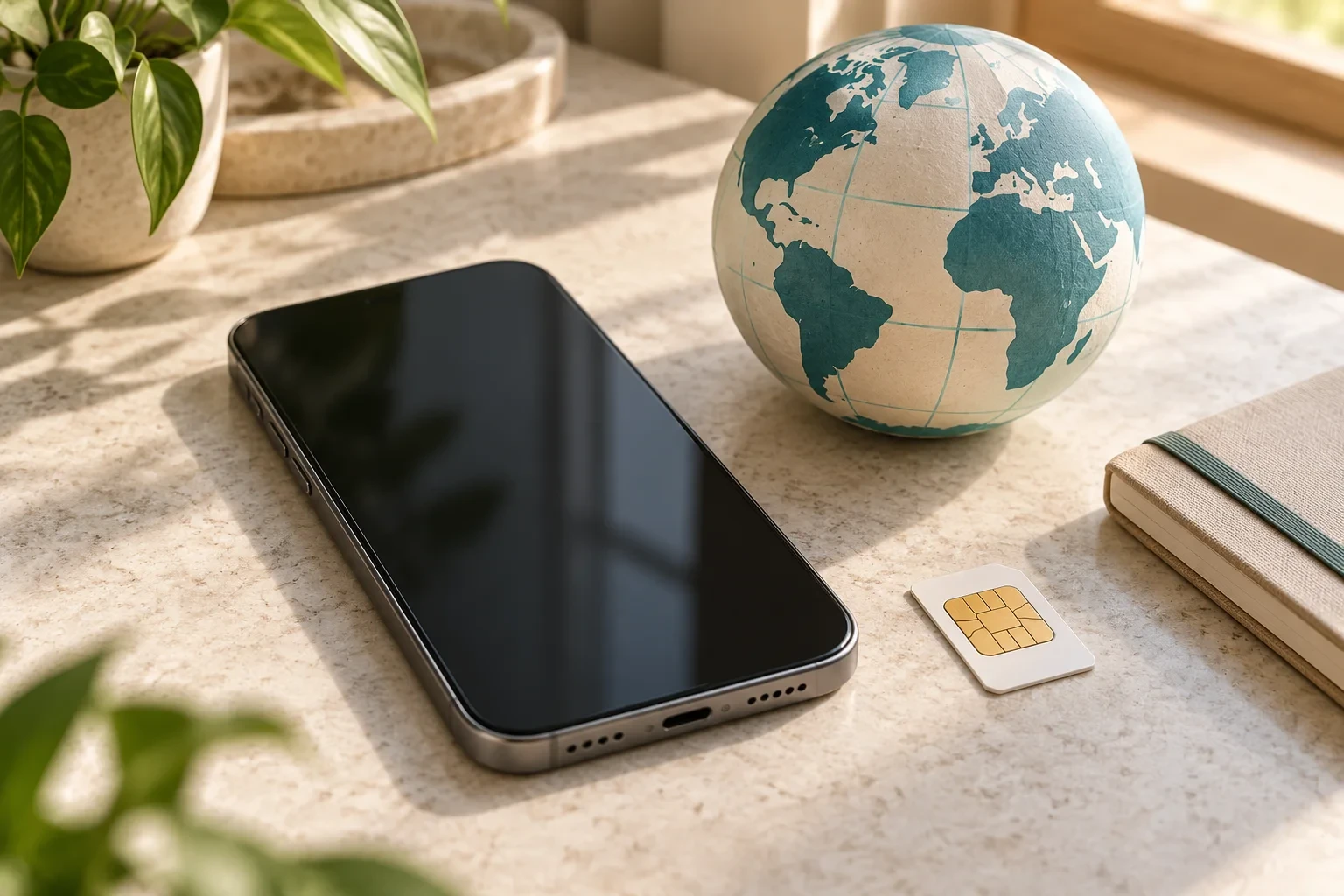
A globe or map in a product presentation is not evidence of universal coverage. Bring together the model, destination, carrier and plan terms. If you need a connection when you arrive, prepare the procedure before departure and establish how to request help. Planning should reduce unresolved questions without turning an expectation into a promise of service.
Ask the seller for details you can verify
Send a focused request covering the assigned model, stated sales region, SIM configuration and carrier-lock status. Establish whether images show the individual phone or are representative. You do not need the seller to guarantee every network worldwide. You need an accurate product identification and clear explanations of the claims made about it.
Keep the responses with your order description. If you explore the PakaPuka online shop, examine each listing’s specifications and use the frequently asked questions to understand the platform. This guide does not establish that an imported version is in stock or verify mobile compatibility for any particular catalog item.
Review delivery arrangements and the contact process if the received device differs from the description. The delivery, shipping and returns guide provides another reference for PakaPuka purchases. The technical checks here do not set legal deadlines or replace the conditions of your order.
Check that the delivered phone is the one you researched
When it arrives, compare its model with the version assigned to your purchase and keep the order documents. Describe a discrepancy before proceeding as though the device were unchanged. A carrier answer about another version does not automatically apply to the phone now in your hands.
Follow the activation method agreed with your carrier and check the services relevant to your routine. If a step fails, record the visible message and use the appropriate support channel. An activation problem is not by itself a hardware diagnosis. Specific observations help you seek assistance without assuming that every unsuccessful setup has the same cause.
Your preparation is useful when you can connect the device, line and service terms coherently. Some questions belong with the seller; others need a carrier response. Keeping that distinction clear helps you judge whether the offer suits you, instead of buying first and hoping every regional difference can be resolved afterward.
Frequently asked questions about imported iPhones
Does “international version” mean it works with every carrier?
No. Ask for the model number, check the SIM configuration and confirm the plan and services you will use. A commercial label is not a substitute for those answers.
Is an iPhone with eSIM necessarily carrier-unlocked?
Do not infer unlock status from SIM support. Check the carrier restriction separately using Apple’s guidance. Carrier unlocking, eSIM support and service compatibility are distinct checks.
Can I assume I will move my physical SIM across?
Only after checking the version and your carrier’s process. A different activation method may be necessary. Establish how you will keep your service before paying for a phone whose SIM configuration is still unclear.
Does this guide approve offers in a catalog?
No. It provides a checking method and official references, without inspecting individual phones or verifying specific plans. Assess the claims of each offer and the requirements of your own line.